Printing checks at home is cost-effective and convenient if you would like to avoid the expense and time involved in ordering them from your bank or a printing company. The check-printing process requires supplies and equipment that you might already have or can obtain from a local retailer. To ensure that your checks meet your bank's requirements, check with the bank before proceeding with printing.
Software Programs
Video of the Day
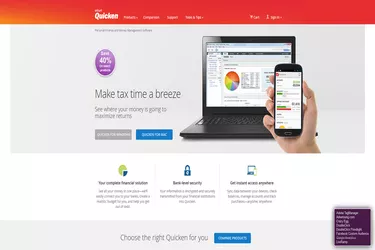
Some financial management programs include a check-printing function. Some provide preformatted designs, while others allow you to create your own style. Popular financial management applications include Quicken, QuickBooks and MS Money. Prices vary widely, ranging from $40 to as much as $700 or more, depending on the number of licensed users the manufacturer allows.
Video of the Day
Accounting and Routing Numbers
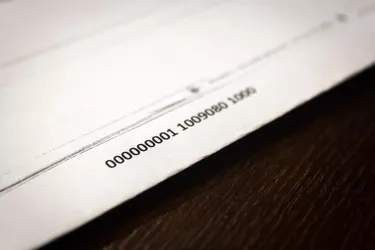
The bank's routing number and your account number always appear at the bottom of the check, forming the magnetic ink character recognition line. The routing number is first. It is followed by a colon, the account number and the check number, which also appears by itself in the top right corner of the check. The routing number is always nine digits long, but the length of the account number varies, depending on the bank. It could contain as many as 17 digits.
Account Holder's and Bank's Information
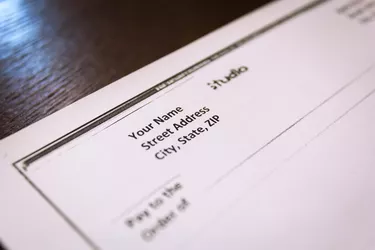
Your name and address -- if you choose to include them -- should appear in the upper left corner of the check, with your name on the first line and the address on the following lines. The name of the bank should appear farther down on the check, under the line on which you will write the legal tender in words.
ACH Routing Number
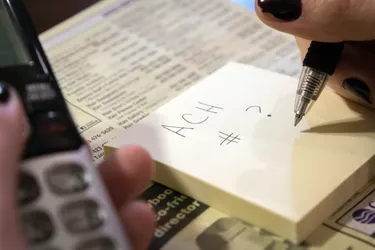
According to information from the Federal Reserve Board, depository institutions send each other debit and credit transfers through the automated clearinghouse system. An ACH number facilitates the automated transactions, such as direct deposits and bill payments. Like the bank routing number, it is always a set of nine digits. Some banks use their routing number as the ACH number while others have a separate number. Contact your bank to find out what it uses. If it has a separate ACH number, find out whether it is necessary to place it on the check. If so, the number should appear under the bank's name.
Supplies and Equipment
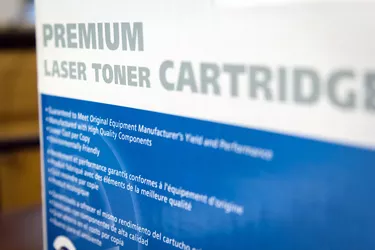
Laser and inkjet printers work well for check printing, but lasers are best for printing the MICR line. According to information from the Federal Reserve Board, this line must be printed with magnetic ink, but other information on the check can be printed with regular ink. Magnetic ink helps check-processing computers to easily read the characters. It also shows evidence of tampering if it occurs. Print checks on check-printing paper or pre-printed blank checks. The former is best if you are creating your own design.