Microsoft's Borders and Shading tool helps you create page borders in programs such as Word. As well as regular border options, it also includes line and graphics styles that are a little more elaborate, allowing you to create fancy borders rather than plain ones. To access more design options, download free templates from Microsoft that come with decorative borders. If you're looking to place a border in a specific type of document, such as an invitation, report or newsletter, templates are particularly useful.
Use Borders and Shading to Add a Fancy Border
Video of the Day
Choose a Border Type
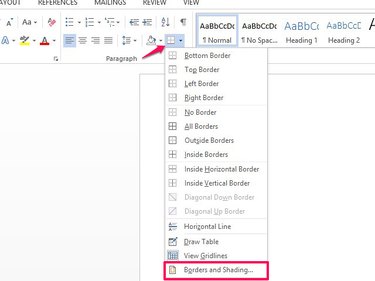
Go to the Paragraph area on the Home tab and select the arrow next to the Border box. Select Borders and Shading.
Video of the Day
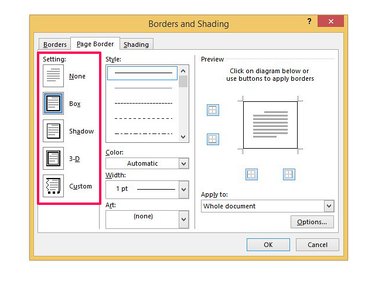
Select the Page Border tab and choose a Setting. Use Box to create a basic border, Shadow to add a shadow to edges, 3D to include 3D effects and Custom to create your own border. If you're going to use fancy lines or art borders, use the basic Box option.
Create the Border's Style
Microsoft's Border tools have a couple of style options to help you create fancy borders, include line designs and clip art graphics. To create a fancy line style, select an option in the Style box. To change the color from the black default, choose a color from the palette.
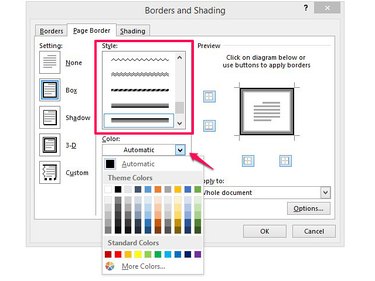
Choose the size of the border's line from Width to make it thicker or narrower.
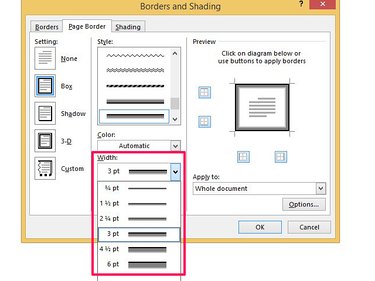
To use a clip art border, select Art and choose an image or style.
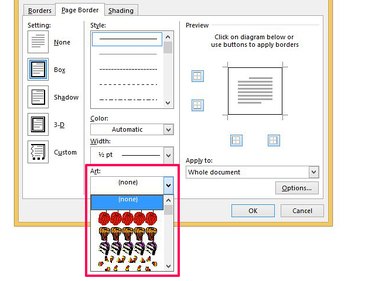
Use the Color and Width boxes to format the border. Note that you can't change the color of some clip art images.
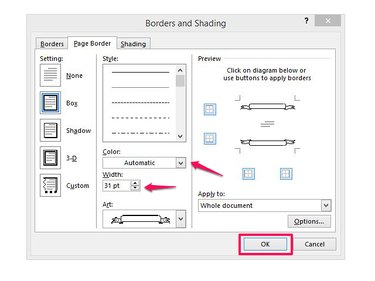
Check the Border's Settings
Use the boxes in the Preview pane to choose where the border shows on the page. By default, borders appear at the top, bottom and sides. To remove a border from an area, select the box to turn it off. Use Apply To to choose where the border appears in the document. You can set it to appear on every page or on selected pages.
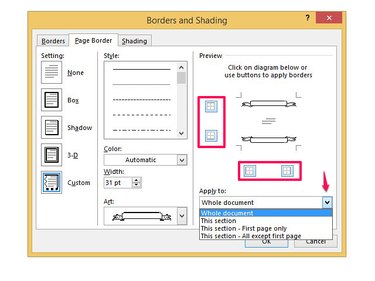
When you're done, select OK to insert the border in the document.
Find Microsoft Templates With Fancy Borders
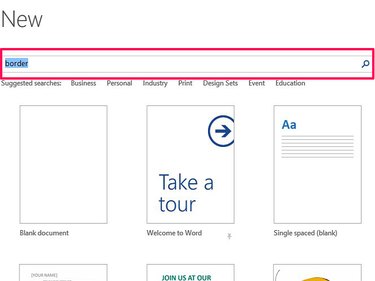
Select the File tab and then New. Type border in the search box and select the magnifying glass icon. You can also search by document type -- for example, to create an invitation with a fancy border, search for invitation.
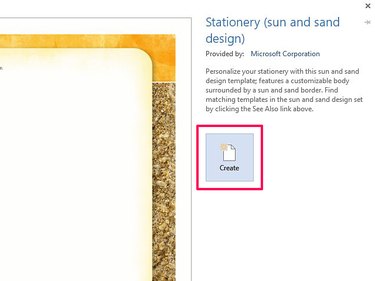
Choose a template with a border you like and select Create to insert it in the document.
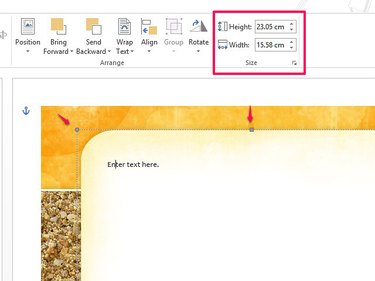
Point your mouse at any of the squares on the border's outline and drag them to change its position on the page. Or, use the Height and Width buttons on the Size menu in the Format tab. If you don't see the Format tab, select the border to open it.
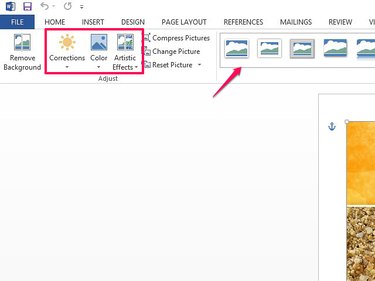
Use the Corrections, Color and Artistic Effects buttons in the Adjust area of the Format tab to change the appearance of the template. Use Corrections to sharpen or soften, or to change brightness or contrast; use Color to change color, saturation or tone. To apply an effect or style to the picture, select an option from Artistic Effects or use one of the Picture Style images.