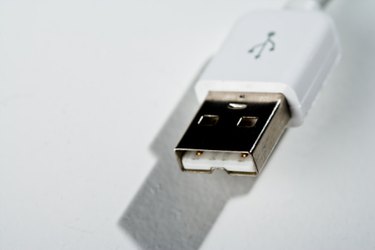
A USB data transfer cable is a great way to move data from an older computer onto a newer one. A number of vendors are producing USB cables that allow you to connect two computers simply through USB ports instead of traditional wireless, Ethernet or other Internet-based connections. Newer operating systems also are packaged with software that recognize the transfer cables and make moving the files easy.
Step 1
Start both computers. Be sure the operating system is running fine on each computer.
Video of the Day
Step 2
Attach the USB cable to a USB port on your new computer. The operating system will recognize the type of cable that has been attached.
Step 3
Attach the USB data transfer cable to your old computer.
Step 4
Click the Windows "Start" button, type "windows easy transfer" in the Search field and press "Enter."
Step 5
Follow the prompts of the Easy Transfer wizard. They will guide you through the specific details of deciding which data you want to transfer from your old computer to your new computer.
Step 6
Allow time for the transfer to complete.
Video of the Day