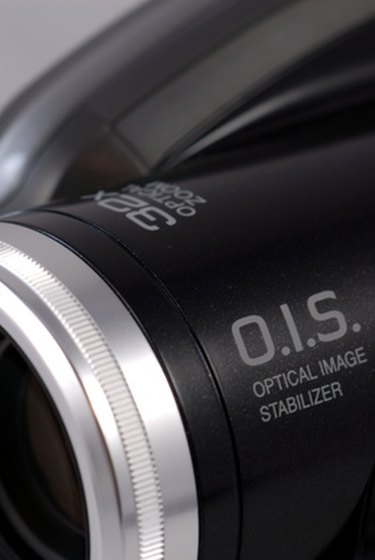
Raw video recorded on your camcorder or portable media device can come in a variety of formats, including MPEG-4, WMV and MPG. To use your raw footage with certain video editing programs, you may need to convert the video into the Audio Video Interleave (AVI) file format. AVIs typically have extremely high resolutions and usurp lots of hard drive space. To convert your raw footage into an AVI, you can employ a free web conversion tool.
Media Converter
Video of the Day
Step 1
Access Media Converter (see Resources). Select "upload a file," find your video file and click the arrow.
Video of the Day
Step 2
Choose "avi" as your output format and click the arrow.
Step 3
Click "Start" to begin the conversion and "Download" to receive your AVI.
Zamzar
Step 1
Load Zamzar (see Resources). Click "Browse" and select your raw footage file.
Step 2
Choose "avi" as your output format and enter your email address.
Step 3
Click "Convert" to convert the footage. In a few minutes, you'll receive an email containing your AVI download link.
Media-convert
Step 1
Load Media-convert (see Resources). Click "Browse" and select your raw video.
Step 2
Choose your input format in the "Input format" drop-down menu. Then select "Audio Video Interleave (.avi)" in the "Output format" drop-down menu.
Step 3
Click "OK" to convert the raw video and "Download" to receive your AVI.
- Coolutils: What Is MPEG-4?
- Digital Preservation: Macromedia Flash FLV Video File Format
- Manifest-tech: AVI Formats
- NTC Hosting: AVi File Format
- John McGowan: AVI Overview
- Media Converter: The Fastest Audio and Video Converter
- Zamzar: Free Online File Conversion
- Media-Convert: 100% Free Online File Conversion
- W3schools: Multimedia Video Formats
- Tom's Guide: Formats Explained