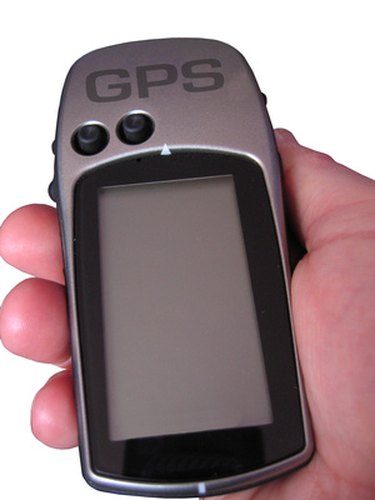
The GPS Exchange (GPX) Format, according to Garmin, "is a light-weight XML data format for the interchange of GPS data (waypoints, routes and tracks) between applications and Web services on the Internet." Since Garmin devices recognize this format, one of the best ways to use your GPX files is by importing them to your GPS device as Points of Interests (POIs). Once you have imported your GPX files, you can find POIs to various locations, such as restaurants, shopping malls and gas stations. Garmin's POI Loader supports files in the .GPX format.
Step 1
Create a folder on your PC's desktop by right-clicking on an empty area on the desktop, selecting "New" and then choosing "Folder." If you would like to rename the folder, right-click on the folder, select "Rename" and then type a name for the folder, such as "GPX Files."
Video of the Day
Step 2
Drag your GPX files into the folder.
Step 3
Download POI Loader by going to the Garmin Updates and Download page (see Resources), clicking on the "Download" link, selecting "File" and then choosing a location on your PC.
Step 4
Install POI Loader by double-clicking on the file and following the prompts.
Step 5
Connect your Garmin device to your PC using the Garmin USB cable that originally came with your device. Then open POI Loader and select "Next."
Step 6
Choose the "Garmin device" option under the "Save Options" section in the dialog box, then select "Next."
Step 7
Select "Find Device" button, then wait for POI Loader to recognize your connected GPS device. Select "Next," choose "Install new custom POI's onto your device" and then click "Next."
Step 8
Click on the "Browse" button, then locate the folder containing your GPX files. You need to select only the GPX folder, not the individual GPX files, as POI Loader automatically adds the contents of the folder to your Garmin device.
Step 9
Select "Next," choose "Finish" and then power on your Garmin device. Use your GPX files as custom POIs by selecting "Where to?" on your GPS, choosing "Extras," touching "Custom POIs" and then selecting the file name of your GPX file.
Video of the Day