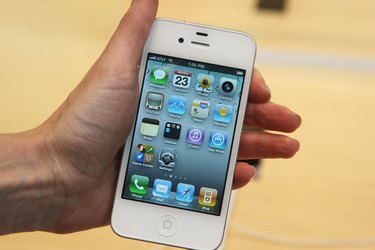
You can use iTunes to sync nearly all of your everyday data with the Apple apps on your iPhone, and calendars are no exception. If you find yourself often making changes to the calendars on both your iPhone and your PC, regularly syncing your iPhone will keep all of your calendars up to date. iTunes supports all Outlook and Microsoft desktop calendars.
Step 1
Plug your iPhone into a USB port on your PC, and iTunes should start automatically. If it doesn't, open it from the Programs section of the Start menu.
Video of the Day
Step 2
Click on your iPhone in the "Devices" list of iTunes' side panel.
Step 3
Click on the "Info" tab at the top of the main iTunes window.
Step 4
Tick the check box next to "Sync Calendars with," and select your desktop calendar application from the drop-down list.
Step 5
Click the "All calendars" radio button if you want to sync all of your calendars with your iPhone. If you don't want to sync all of your calendars with your iPhone, click the "Selected calendars" radio button, and select the individual calendars you want to sync.
Step 6
Click "Sync" in the bottom corner of iTunes, and your desktop calendar will sync with your iPhone calendar app.
Video of the Day