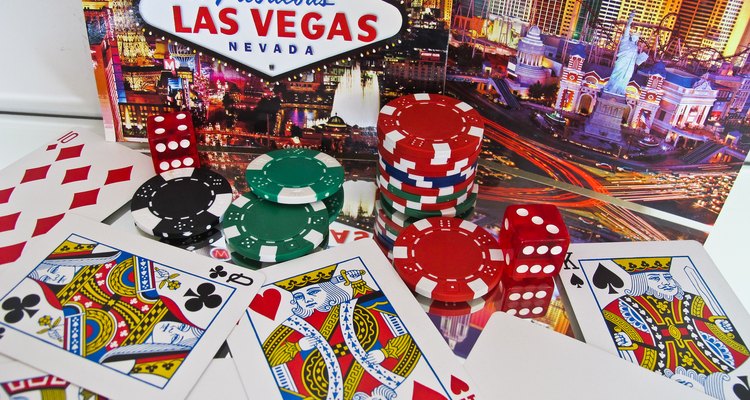
The lights, glitter and excitement of Las Vegas draw millions of visitors to the city each year. If a trip to this Nevada city isn't a possibility for you, throw your own Vegas-style party at home. A Vegas theme is fitting for bachelor or bachelorette parties, birthdays, fund-raisers or reunions, and offers many fun possibilities for party decor and activities.
Invitations
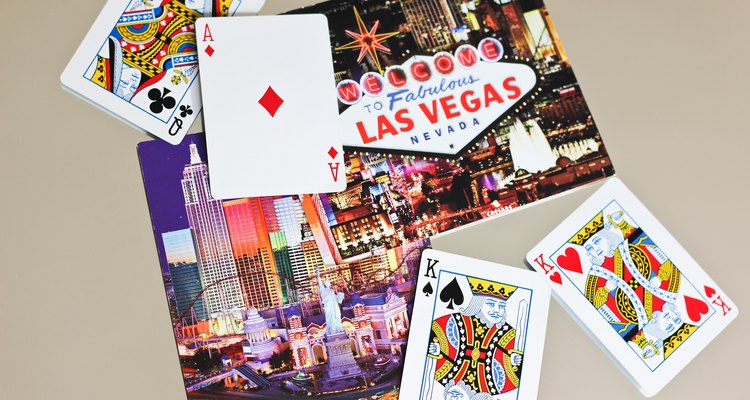
Make Vegas-themed invitations for your party. Write the party information on a playing card with a permanent marker. Mail the playing card with a few poker chips to entice the guests. If a regular playing card isn't large enough for all of your party information, make your own with poster board.
Postcards from Vegas make another fun option for invitations to your party. Write all of the party details on the back in the note section of the postcard. Mail it as you would a normal postcard. This option will also save you on postage, as postcard stamps cost less.
Decorations
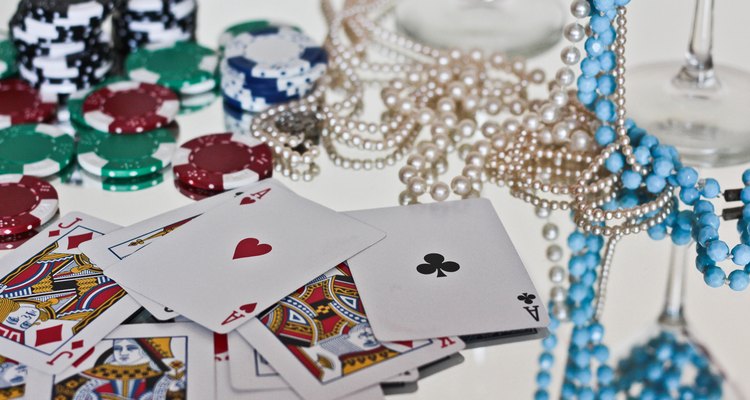
Decorate the party area with Vegas decor. Hang colorful, twinkling lights in the party area. Use mirrors to reflect the lights for more flash. Make custom wall decorations using cardboard, paint and lots of glitter. Ideas for the wall decorations include large playing cards, poker chips and famous Vegas hotel signs. Create giant dice by covering square boxes in paper or fabric and adding dots. Hang colorful feather boas around the party area. Set up a fountain surrounded by inexpensive ceramic sculptures that have been spray-painted gold. Choose decorative elements that fit your budget and style.
Food
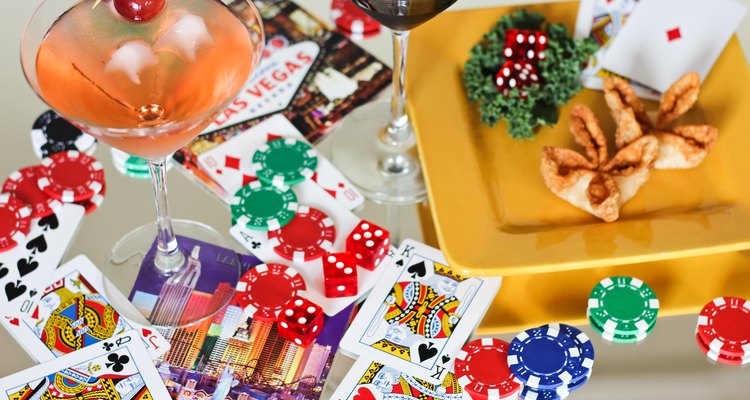
Organize a Vegas style buffet for the party guests. Decide on a particular food theme such as breakfast, appetizers or ethnic cuisine. Provide several options that fit within the food theme. Choose foods that hold up well when left out for several hours. Place the food on a long table or counter to create the buffet feel.
Choose a Vegas-themed dessert to round out the buffet options. Decorate round and rectangular sugar cookies to look like poker chips and playing cards. Decorate a large round cake as a poker chip. Use a hexagon-shaped cake to create a poker table. Cover the cake with green frosting or fondant. Use real playing cards and poker chips to decorate the "table," or make edible ones with fondant.
Entertainment
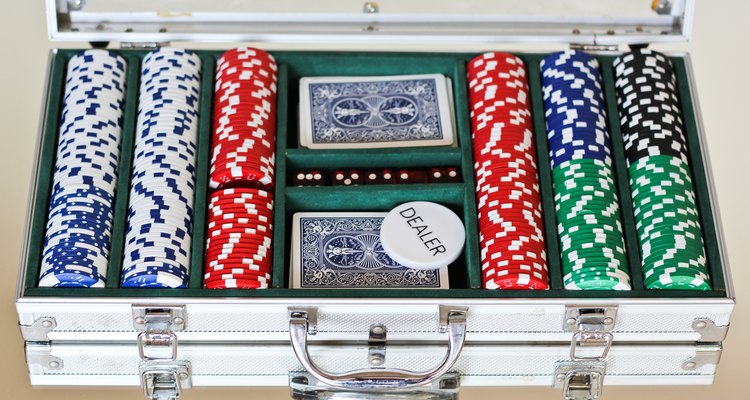
Host a casino night for your Vegas-themed party. Set up blackjack and poker tables. Green felt, available at fabric stores, can be used to cover tables for a gaming table look. Order personalized poker chips and playing cards, which can double as favors for your party guests. Rent casino gaming machines from a party rental store to make your Vegas party unique. If the party venue is large enough, set up separate areas for different types of gaming and entertainment.
Hire a musician or band to provide entertainment for your Vegas party. Consider hiring an Elvis impersonator to add to the Vegas-style entertainment lineup. Other options include setting up a dance club with appropriate music in the style of Vegas clubs or holding a karaoke contest for your guests.
Related Articles

Ideas for a Hoedown
Ideas for Diamond Party Decorations

How to Invite Friends for a Casual Lunch
How to Decorate a Restaurant for a ...

How to Decorate a Picnic Pavilion
Monopoly Theme Party Ideas

Ideas for Black and White Party ...
How to Decorate a Party Hall

How to Make a Pirate Cannon for a Party

Chocolate Fountain Ideas

Teen Driver's License Party Ideas

What Is the Traditional Gift for the ...

How to Make a Hogwarts Castle Cake
Grammy's Themed Party Ideas

Five-Year-Old Birthday Party Ideas for ...

Ideas for a Road Trip Theme Party
How to Decorate for a Tapas Dinner

Rock N Roll Theme Party Ideas

Boardwalk Themed Party Ideas
How to Make a Fake (Faux) Cake
Writer Bio
Shelley Frost writes professionally on a full-time basis, specializing in lifestyle, family, parenting and relationship topics. She holds an education degree and has extensive experience working with kids and parents.
Photo Credits
Maria Trujillo/Demand Media