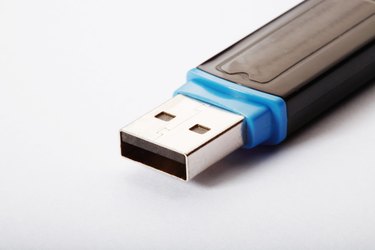
As technology continues to advance, you don't even need to burn home movies to disc to watch them on your television. High-end DVD player models (and all Blu-ray disc players) feature USB inputs that can be used to house USB flash drives filled with movies. You can then access the files through your DVD player's main menu and watch them on your TV screen. You just need to follow the proper directions.
Step 1
Look in the instruction manual for your DVD player to see what type of video files it supports. DVD players won't just support any file format--most support .MKV or .AVI files, among a few other popular formats. Be sure to look in the "Technical Specifications" listing in your DVD player's instruction manual to see what formats it will support before potentially wasting your time.
Video of the Day
Step 2
Put your USB flash drive into a USB port on your computer.
Step 3
Open your USB flash drive by clicking on "My Computer" and then clicking on the icon for your flash drive.
Step 4
Drag the appropriately formatted video files into this window. They will now be transferred to your USB flash drive.
Step 5
Remove the USB flash drive from your computer.
Step 6
Put your USB flash drive into an open USB port on your DVD player.
Step 7
Use your DVD player's remote control to navigate to the "USB Flash Drive" menu. Select the file you want to play from the list by highlighting it and pressing the "Enter" or "Play" buttons on the remote. The file will now play on your TV screen.
Video of the Day