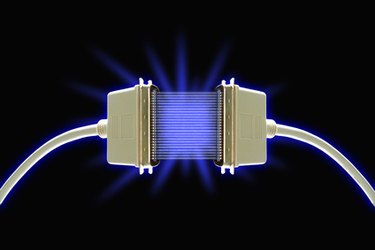
You have turned on the new computer and now the fun begins. How do you transfer all the important data, programs and settings from the old computer? There are many methods, and which one to use depends on how much of the material stored on the old unit you want to transfer. Photos? Music? Data? Programs? The method you choose also depends on how large the files are and how much time you have to accomplish the transfer.
Step 1
Check your computers for Windows Easy Transfer before you decide. To find the program on your new or old computer, go to "Start," "All Programs," "Accessories," "System Tools" and "Windows Easy Transfer." If you find the Windows Easy Transfer program on your old computer, read the easy-to-follow directions.
Video of the Day
Step 2
Explore the features: Windows Easy Transfer, a Microsoft Web page, will provide more instruction and information on which media to use for the actual data transfer.
Step 3
Writing the files to a CD is a simple, nontechnical method. Using either a writable CD-R or a rewritable CD-RW, the transfer to the new computer is easy. However, it can be time-consuming if you have many large files to move. A thumb drive can be easily substituted for the CD. This method could also provide you with an archive of the files after they have been moved.
Step 4
Use a home network. For anyone who has this capability, moving files from one computer to another is quick and easy. Windows Easy Transfer will show you the steps to follow.
Step 5
Using an external hard drive as you transfer media allows you to write many files and move them to the new computer. If you have this type of hardware available, you can move large files and programs. Simply copy the files to the external drive and connect it to the new computer to complete the transfer. This method can be time-consuming.
Step 6
Purchase an Easy Transfer Cable, and the time and effort needed are greatly reduced This USB cable is designed to move data from one computer to another using the Windows Easy Transfer system. The cable can be found at most computer and electronic stores. Priced from $20 to $50, it can make the data transfer a relatively simple operation. Beginners may move all their personal data easily and quickly. The advanced user may want to pick and choose which files to transfer.
Video of the Day