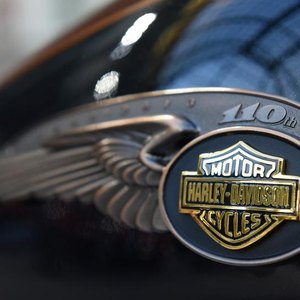


Harley Davidson offers three Visa credit card options through U.S. Bank. Purchases made with the credit cards in its H-D Genuine Rewards program earn rewards points. Cardholders earn a varying number of points per dollar spent, depending on the type of credit account they hold. You may redeem your points for a gift card, which you can apply to Harley-Davidson apparel, accessories, vehicle maintenance and services.
Redeeming Your Points
You may redeem your rewards points when you have acquired enough for a Harley-Davidson gift card. The gift cards are available in increments of $25. Log in to your credit card account with U.S. Bank to view your points and request a gift card, or call customer service at 800-699-2281 and request a card. You may request a digital gift card, which will be emailed to you and used immediately, or a plastic card, which you will receive within two weeks. You may use your gift card at authorized Harley-Davidson dealerships.
References
- Harley-Davidson Visa Card: Contact Us
- Harley-Davidson Visa Cards FAQs: H-D Genuine Rewards: How Do I Redeem My H-D Genuine Rewards?
- Harley-Davidson Visa Cards FAQs: Where Can I Use My Harley-Davidson Gift Cards?
- FICO. "Amounts Owed." Accessed May 14, 2020.
- J.D. Power. "2019 U.S. Credit Card Satisfaction Study." Accessed May 14, 2020.
Writer Bio
Tina Amo has been writing business-related content since 2006. Her articles appear on various well-known websites. Amo holds a Bachelor of Science in business administration with a concentration in information systems.