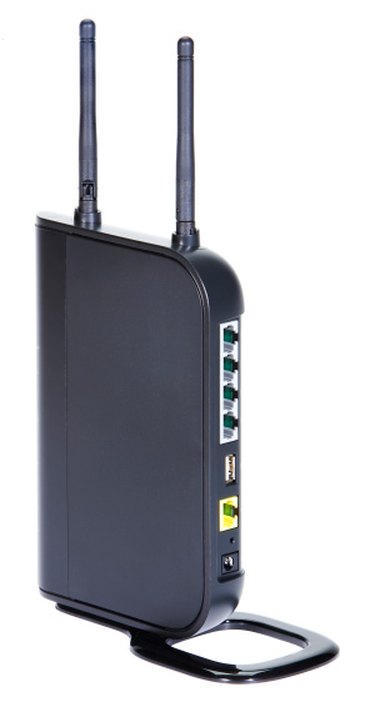
Wi-Fi Protected Access 2 (WPA2) provides authentication and encryption for wireless networks. WPA2 is more secure than WPA because WPA2 uses Advanced Encryption Standard (AES) encryption and meets the Federal Information Processing Security (FIPS) 140-2 requirements. To use WPA2 on a wireless network, the wireless router, the wireless network adapter and the operating system must support WPA2. Windows XP with Server Pack 3, Windows Vista and Windows 7 all support WPA2. As with WPA, WPA2 has an Enterprise version, which requires a Remote Authentication Dial-In User Service (RADIUS) server, and a Personal version, which uses a pre-shared key.
Step 1
Click "Start" and click the "Control Panel" menu item. If Control Panel is not in Category view, select "Category" from "View by" drop-down menu.
Video of the Day
Step 2
Click the "Network and Internet" link.
Step 3
Click the "View Network Status and Tasks" link under the Network and Sharing Center title.
Step 4
Click the "Manage Wireless Networks" link in the blue bar on the left-hand side of the window.
Step 5
Double-click the icon corresponding to your wireless network to open the "Wireless Network Properties" dialog.
Step 6
Click the "Security" tab.
Step 7
Set "WPA2-Personal" as the Security Type.
Step 8
Set "AES" as the Encryption Type.
Step 9
Type the pre-shared key in the "Network Security Key" field. Check the "Show Characters" checkbox to verify that you typed it correctly. Remember, the security key is case sensitive.
Step 10
Click the "OK" button to save your change and close the Wireless Network Properties dialog. Your connection should be automatically established.
Video of the Day