How to Receive Stock Alerts From Yahoo Finance. One of a seemingly countless collection of fun and useful services offered by Yahoo, Yahoo Alerts allow users to receive notifications about their stocks via email, instant messenger and even mobile phone. Free to Yahoo members, this service is easy to enjoy. Just follow these instructions to start receiving stock alerts from Yahoo Finance today:
Sign up for a Yahoo Account
Video of the Day
Step 1
Visit the Yahoo home page and log in to your Yahoo account (see Resources below). You need to have a Yahoo account to set up stock alerts.
Video of the Day
Step 2
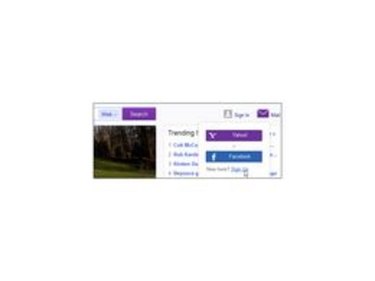
Select the 'Sign Up' link on Yahoo's home page if you do not have an account.
Step 3

Fill out the registration form by entering all requested information. Carefully pick a username to identify yourself to those receiving emails and instant messages from you. Select a password that is easy to remember but difficult to guess.
Step 4
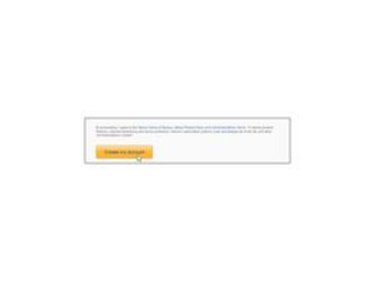
Read the terms of service thoroughly then click "Create my account" to finish setting up your account.
Receive Stock Alerts From Yahoo Finance
Step 1
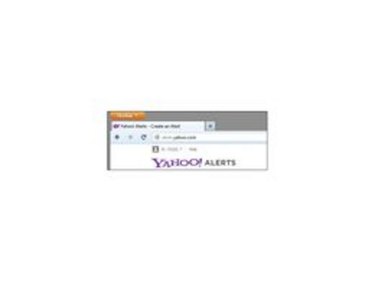
Visit the Yahoo Alerts Web page to get started (see Resources below).
Step 2
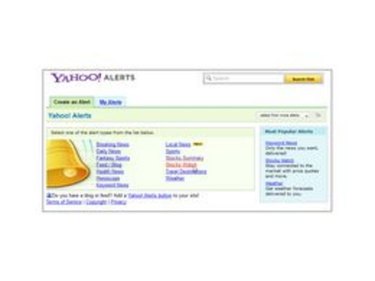
View the list of available alerts and click on "Stocks Watch."
Step 3
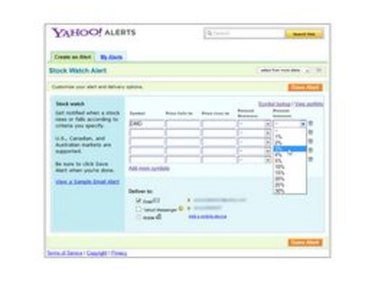
Enter the symbols and other information for the stocks you are watching in the form provided. Select the methods by which you want to receive the alerts, and click "Save Alert."
Step 4
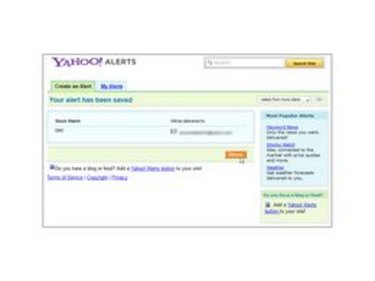
Click "Done" to complete the process. You will start receiving your alerts immediately.
Step 5
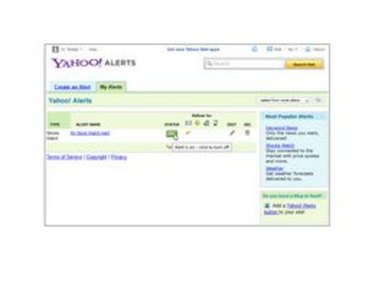
Stop alerts from being sent to your email, Instant Messenger or mobile device by selecting "My Alerts" from the Alerts page and clicking button below "STATUS." Future alerts will cease.
Step 6
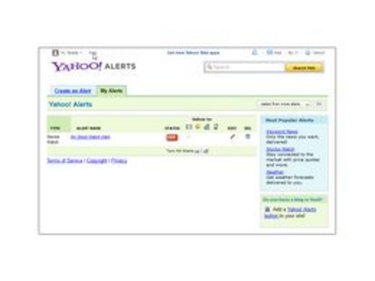
Visit the 'Help' link on the Yahoo Alerts Web page to get additional support with stock alerts (see Resources below).