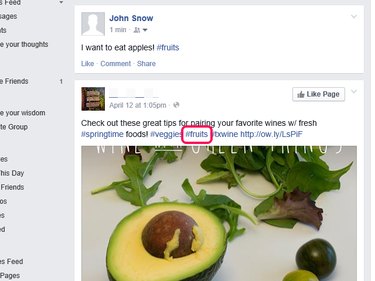
The distinguishing feature of hashtags is that they link immediately to other news and stories that include the keyword, which facilitates the rapid spread of information. Add a hashtag to your Facebook post by including a number sign paired with a single key word related to the topic of your post . Click the hashtag to view similar posts after you publish your post.
Step 1: Log in to your Facebook account and locate the Update Status box on your News Feed or Timeline.
Video of the Day
Video of the Day
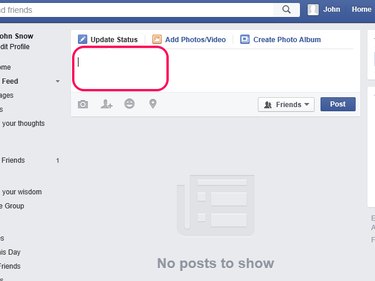
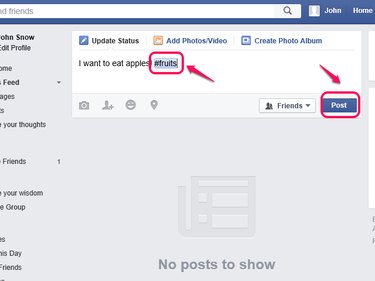
Step 2: Enter the content you want to share followed by the number sign and a single word that relates to the post — #fruits, for example. Insert as many hashtags as you want and separate them with spaces. Hashtags can contain numbers but not punctuation or special characters such as $ and %. Click Post to publish your status with the hashtags.
Step 3: Locate your post and click the hashtag in your post.
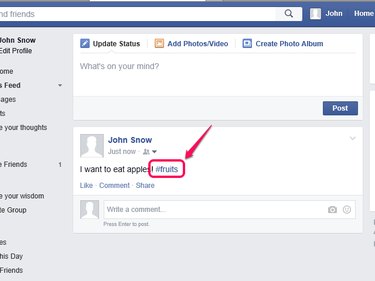
Step 4: View the posts that share your hashtag.