

How to Connect Wires to a Fish Tape

From installing a new flat panel television to installing speaker wire, many homeowners can find themselves peering into a cut opening in the wall trying to pull wires from one point to another.
Things You Will Need
- Fish tape
- Wiring
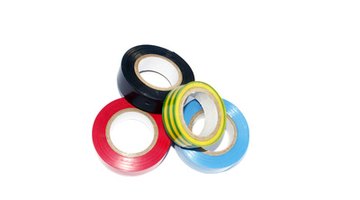
- Electrical tape
- Scissors
A fish tape is a thin metal strip that can be used to pull wiring through a wall to where a new television or speaker will be installed. Attaching the wire to a fish tape should be done so that it remains securely in place as it is pulled.
-
Feed the fish tape through the wall to the opening where wires will be attached.
-
Pull the hooked end of the fish tape from the wall so it is easily accessible.
-
Bend the wires over the hook on the end of the fish tape. Fold the wires down and against the main length of wiring.
-
Wrap electrical tape around the wire beginning at least 1 inch below the end of the folded-over wire.
-
Wrap the tape up the wire, making overlapping wraps. Continue wrapping the electrical tape over the hook of the fish tape and up the fish tape for another inch. Cut the duct tape free from the roll with scissors. Now you can pull the fish tape through the wall or conduit -- and the wire will be pulled along with it.
Writer Bio
Keith Dooley has a degree in outdoor education and sports management. He has worked as an assistant athletic director, head coach and assistant coach in various sports including football, softball and golf. Dooley has worked for various websites in the past, contributing instructional articles on a wide variety of topics.
Photo Credits
- adhésif image by Unclesam from Fotolia.com
- adhésif image by Unclesam from Fotolia.com
More Articles

