Things You'll Need
Tape measure
4-inch plastic cable ties
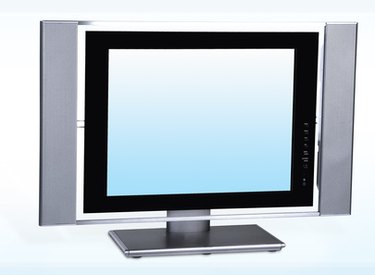
Many people over the years purchased beautiful and expensive TV cabinets, never thinking that the shape of TVs would change. With widescreen TVs came a reduction in overall screen area, given the increased width and shortened height. Naturally, many people who prioritized and purchased furniture with a certain shape and size of tube TV in mind now have to change their ideas when fitting a flat panel. Mounting a new flat screen in an existing entertainment center requires taking a few things into account.
Step 1
Measure the width, height, and depth of the existing opening. Keep doors inside the TV opening pushed back to account for the space taken with the doors open. Round to the nearest inch on all measurements.
Video of the Day
Step 2
Measure or acquire the measurements online for the choices you're considering for your new television. Pay attention to the depth and height of the new set with the mounting base attached. Consider that many flat-panel TVs have swivel bases. Take this into account when measuring width, by adding 1/2 inch to the overall width of the TV.
Step 3
Bundle any existing wires coming into the TV opening with the 4-inch zip ties. Existing cabling will be more visible with a slimmer-profile television.
Step 4
Place the new set into the opening at a 30-degree angle, to reach the input jacks. Connect the existing wires to the new set. Straighten the TV to sit parallel to the viewing area.
Video of the Day