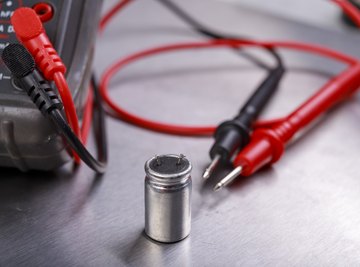

Things You'll Need
- Soldering iron
- Multimeter or ohmmeter
Thermistors are resistors that adjust to changes in temperature. They are used in circuits and semiconductor applications. If they malfunction, the circuit itself will likely malfunction, also. Since thermistors are designed to be temperature sensitive, testing them involves the application of heat.
Set the multimeter to resistance mode.
Hook up the terminals of the multimeter to leads on the thermistor. It does not matter which lead goes to the terminals, as polarity is not important in this test.
Heat the soldering iron. Heat the thermistor by moving your heated soldering iron tip to it.
Note the multimeter reading as you are applying this heat. A properly functioning positive temperature coefficient thermistor will show a smooth and steady increase in the multimeter resistance reading. A properly functioning negative temperature coefficient thermistor will show a smooth and steady decrease in the multimeter resistance reading.
Look for signs of a faulty thermistor. A steady reading that does not change, a reading of zero or a reading of infinity are all indications that the thermistor needs to be replaced. The change in reading will not be smooth or there will not be any change.
References
About the Author
Anthony Smith began writing for Demand Studios in May of 2009 and has since written over 1400 articles for them. He also writes for "The College Baseball Newsletter." He attended the University of New Mexico, and has more than 25 years of experience in the business world.