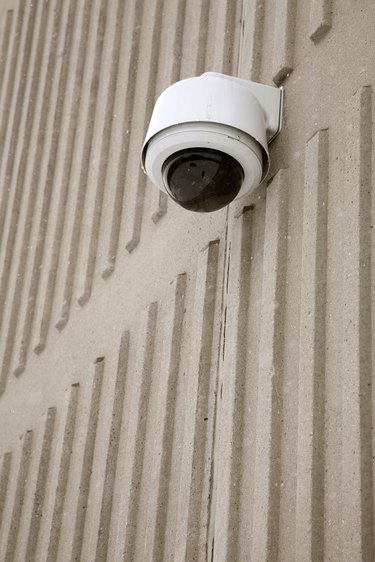
Surveillance cameras truly come in all shapes and sizes. Some are as small as the tip of a pen and others are the size of a small sofa. Surveillance cameras used in business are often hard wired to receive electricity while many for use in homes and small businesses are wireless an contain a battery. It's important to know what type of camera you're dealing with and how power is supplied to the unit. A cursory inspection of the camera will give you enough clues to figure out the power source and how to disable it.
Step 1
Inspect the camera close-up. This will give you an idea if the camera is hard-wired or wireless. A wireless camera will usually be portable and contain a battery while wired camera will obviously show signs they are connected to the structure for power.
Video of the Day
Step 2
Remove the battery or power source. If you suspect the unit is wireless, try to locate a battery compartment for removal. If the unit is wired, the power lines running to the camera will have to be severed.
Step 3
Disable the camera using a laser. If a power source cannot be determined and you don't want to destroy the camera, a laser pointer is your best bet. These devices are cheap and can temporarily disable the optics within surveillance cameras.
Video of the Day