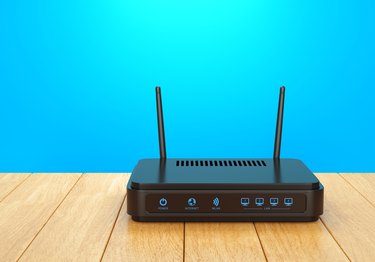
Buffalo produces networking equipment, such as routers, for small network environments like homes and small businesses. Buffalo routers use a Web-based configuration interface to change router settings such as the router's IP address and login information. The router may become unusable if you lose or forget its password, or if the configuration settings no longer apply to the current networking environment. Hard reset the Buffalo router to return all of the configuration settings to their defaults to perform a fresh installation.
Step 1
Press and hold the reset button at the back of the Buffalo router for 30 seconds.
Video of the Day
Step 2
Disconnect the power from the router while continuing to hold down the reset button.
Step 3
Reconnect the power after five seconds.
Step 4
Continue to hold the reset button for 30 seconds.
Step 5
Release the reset button and wait approximately 60 seconds for the router to re-initialize itself.
Video of the Day