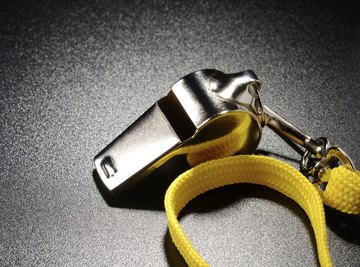

Whistles often pierce the fabric of daily life: a referee makes a crucial call in the final moments of a game; a crossing guard signals children that it's okay to cross the street; and a pet owner calls in a dog that has wandered too far. Trains or ships signal their approach. While the concept of the whistle is simple, learning how it works involves knowledge of both music and physics.
The Basic Idea
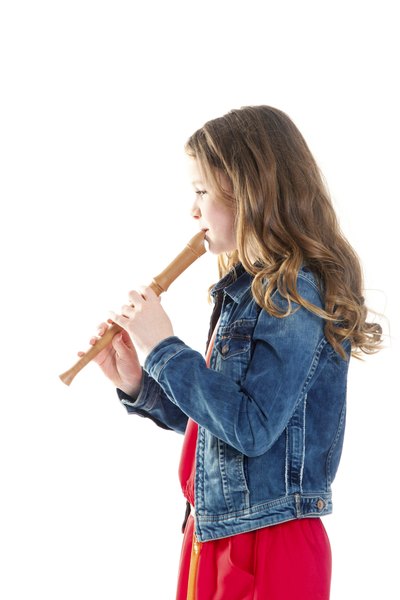
A simple experiment illustrates the basics -- purse your lips and blow, or blow across a bottle opening. Whistles are aerophones, a family of instruments that produce sound by forcing an air mass through a restricted space, thus creating vibration. Aerophones include brass, woodwinds, pipe organs and even harmonicas. The typical whistle is constructed of metal, plastic or wood, with metal creating the strongest amplifying effect and wood creating the softest, as it absorbs more sound.
Inside the Whistle
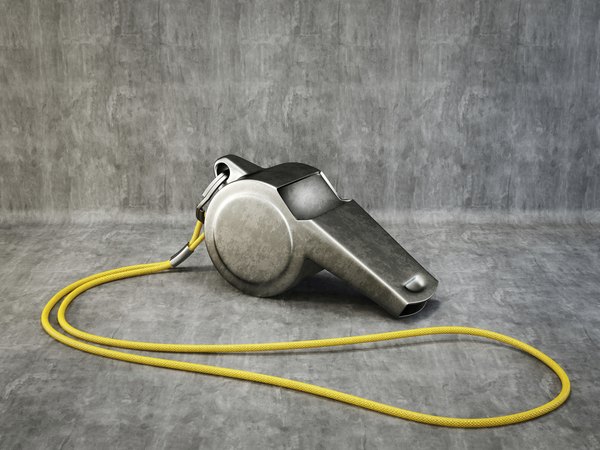
Blowing a whistle forces air through the mouthpiece's rectangular tube until it runs into a slotted edge. The slot divides the air in two, creating oscillating sound waves that then tumble around the resonate chamber, or barrel. As the compressed air escapes from the hole on the other end, it creates an audible pitch. The pitch frequency is determined by length -- longer whistles produce lower pitches and shorter whistles produce higher pitches. Some whistles have a ball inside the chamber, often made of cork or synthetic cork, that bounces around, further disturbing the molecules to create a trilling effect. Steam whistles use steam to propel the air, which can make them quite loud.
References
About the Author
A resident of Vermont, Kyle Cushman has been an educator for more than 17 years and has written education articles for the Learning Center Newsletter, The Master Teacher and Education Update. She holds a Master of Fine Arts in poetry from the Vermont College of Fine Arts and an Master of Arts in writing from the University of New Hampshire.
Photo Credits
Kuzmik_A/iStock/Getty Images