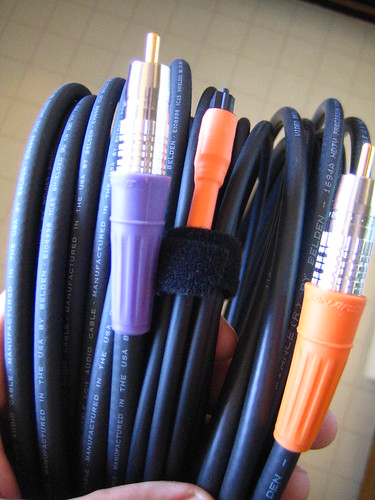
Coaxial digital cable and analog cable are two types of cable used to transmit audio and video signals. There are some subtle differences between the two.
Analog
Video of the Day
An analog signal is an electrical signal that alternates its voltage between positive and negative in a sine-wave pattern that represents the sound wave or video signal.
Video of the Day
Digital
A digital signal records the digital or audio signal as a series of "1s" (ones) and "0s" (zeros) and transmits that information electrically.
Analog Connections
The connections on an analog cable come in two forms. One is a single, 1/8-inch miniplug at either end, and the other has two or three multicolored plugs, which are called RCA connectors.
Digital Coaxial Connections
A digital coaxial cable connection looks much like an RCA connection, but it has only one connector.
Interchangeability
Analog cables are designed for analog signals, and digital coaxial cables are designed for digital signals. Digital coaxial cable, however, easily can be used for analog devices with RCA connections. Analog cable with an RCA connector sometimes can be used for digital signals, but older or cheaper cable could result in the signal degrading, causing poor or distorted reception.